 EFTRADAR
Raid map on a second screen
The Soft Hub loader gives you a link to the map. Open it in any browser and you will see PMCs, Scavs, bosses, loot with prices and extracts with their status. The radar draws nothing in the game window.
- Phone
- Tablet
- Laptop
- Second monitor
Radar recording: Lighthouse, “Loot” tab
Specs
- Maps
- all, including The Labyrinth
- Where to open the map
- any browser
- Launch
- Soft Hub loader
- Game client
- BSG Launcher, Steam
- Windows 10
- 2004–22H2
- Windows 11
- 21H2–26H2
- Aim alert
- 5–45°, 25–1000 m
- Loot radius
- 0–600 m
- Languages
- RU EN ES PT TR ZH
- Aimbot
- no
- Status
- ● Online
What you see and what the radar sees
One recording with no cuts, split in half: the game window on the left, the radar at the same second on the right.
Shoreline. In the game the forest is empty. On the radar there is a Scav closer than 50 m and a BEAR group 290–340 m away, two of them 18–20 m higher.
Try the radar
A copy of the interface on a sample map: markers, labels, tabs and the aim alert work like in the real radar. Click the markers and tabs.
What the radar can do
All features in detail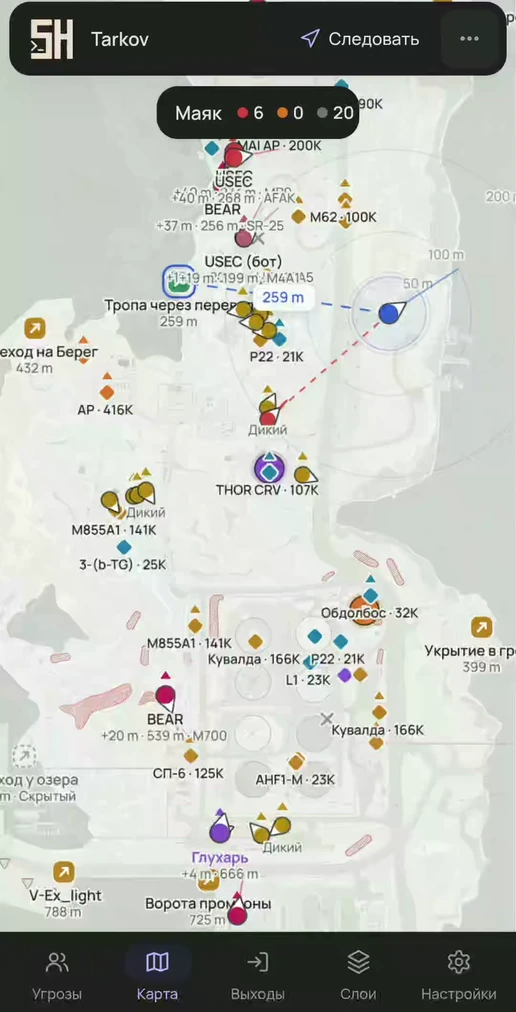
USEC, BEAR and player Scavs, each with its own marker. Next to the mark are the name, distance, weapon and height difference.
- Name, distance and weapon on every mark
- Sight line 25–200 m long
- Separate layers for PMCs and player Scavs
- Player tracking and a colored mark: 6 colors
In the screenshot: Lighthouse, BEAR and USEC with weapon, distance and height difference. Learn more
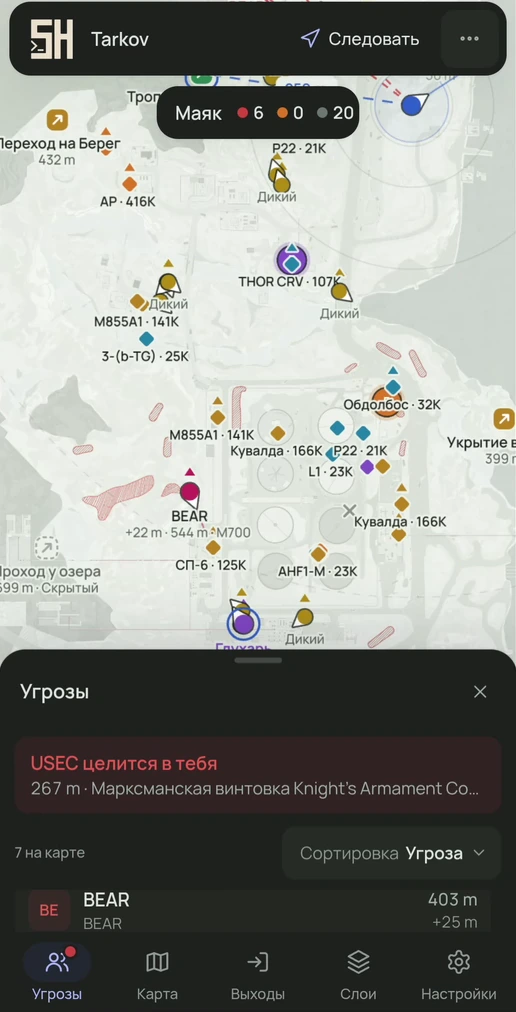
If a player or AI is aiming at you, their marker turns red, the sight line extends and a dotted line stretches toward you.
- Works for players and AI
- Angle 5–45°
- Distance 25–1000 m or unlimited
- “Aiming” and “Tracking” marks in the threat list
In the screenshot: “USEC is aiming at you” banner and a sortable threat list. Learn more
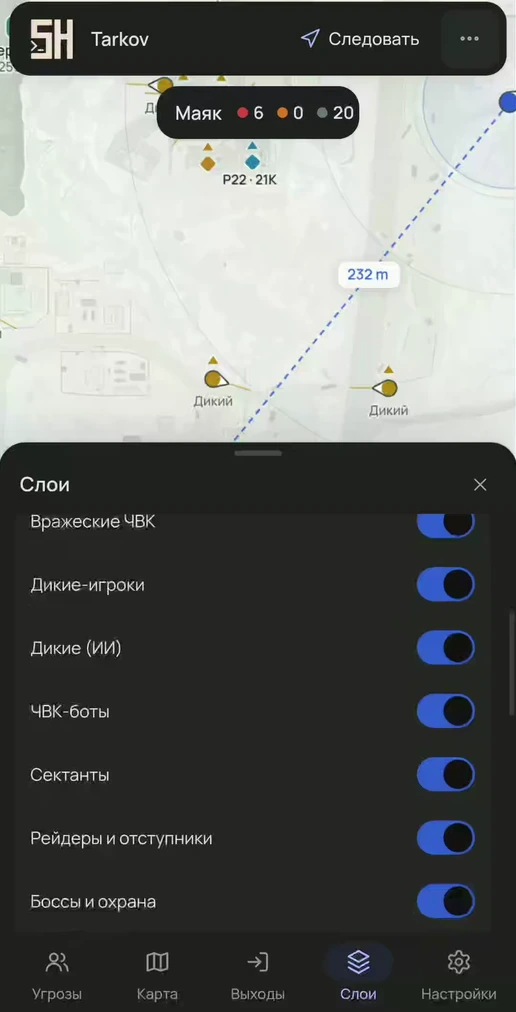
Bosses are labeled by name, followers are marked. Scavs, PMC bots, Cultists, Raiders and Rogues have separate layers.
- Bosses by name and their followers
- PMC bots separate from live PMCs
- Its own layer for each AI type
- Bosses appear in the threat list
In the screenshot: “Layers” tab with toggles by AI type. Learn more
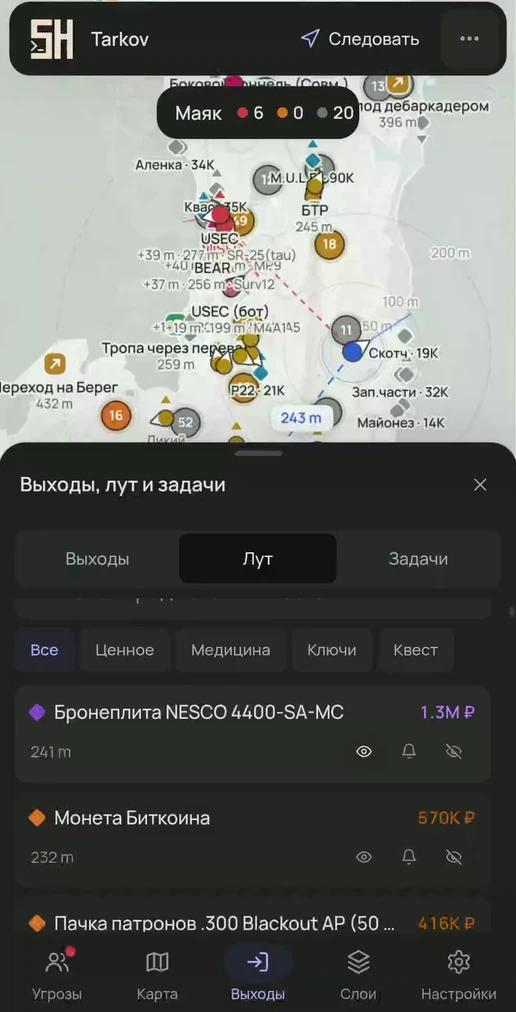
Four value tiers: common, good, rare and top. Thresholds and colors are configurable.
- Price: best, Flea Market or trader
- Minimum price 10K–500K ₽
- Loot radius 0–600 m
- Per item: show, notify or hide
In the screenshot: loot list with prices and per-item rules. Learn more
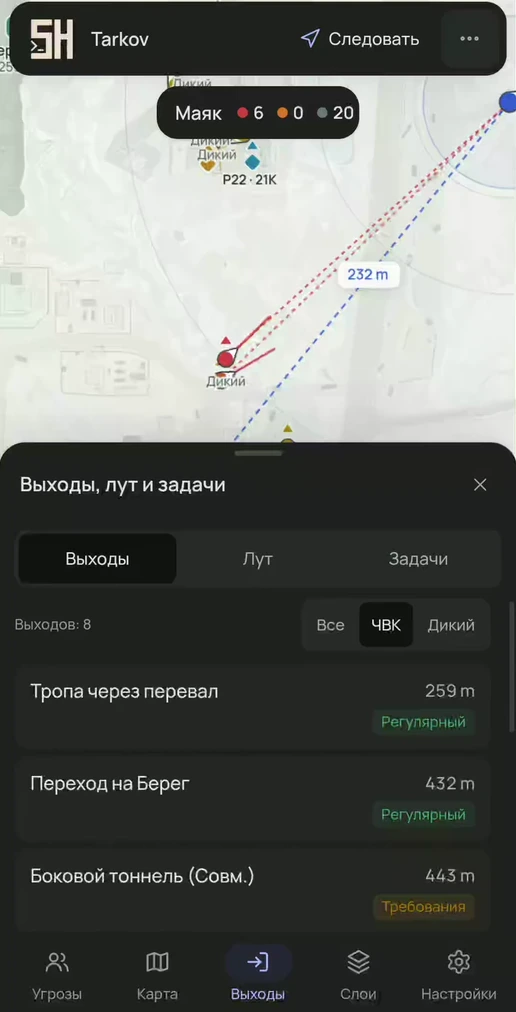
Each extract has a status: open, condition, countdown or closed. Secret extracts are marked.
- Filter: all, PMC, Scav
- Sort by distance
- Route to the extract with distance
- BTR with direction and distance
In the screenshot: list of PMC extracts with distance and type. Learn more
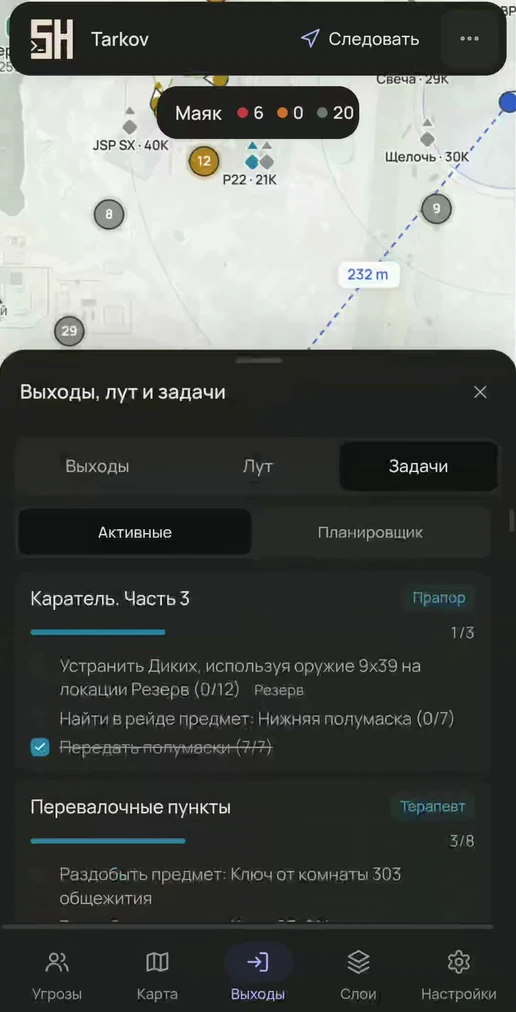
Active quests with live progress, items to hand over marked FIR, and required keys.
- Objective checklist with progress
- Items to hand over: have and need, FIR
- Quest markers and zones on the map
- Quest items are visible at any price threshold
In the screenshot: active tasks with objective progress. Learn more
The game frame stays clean
The radar client runs on the gaming PC, launched by the Soft Hub loader from a USB drive. The map opens in a browser on another device, so OBS recordings and Discord screen sharing look like a normal game.
There is no aimbot. The radar shows the situation; you shoot and move yourself.
How the radar worksThe radar is online and purchases are open.
You can check it in the loader: a blue dot next to the product means the radar is working, a yellow one labeled “Product paused” means an update after a patch is in progress.
Status and updatesAccess by the day
All features are in every plan; only the duration differs.
Game reference
The database is built from the game files. Each page also shows how the radar helps in that exact spot.
504 quests with objectives and rewards, 11 maps with extracts and bosses, keys, bosses, traders, items with prices, weapons with Gunsmith requirements, the ammo table, the hideout with crafts, skills and guides.
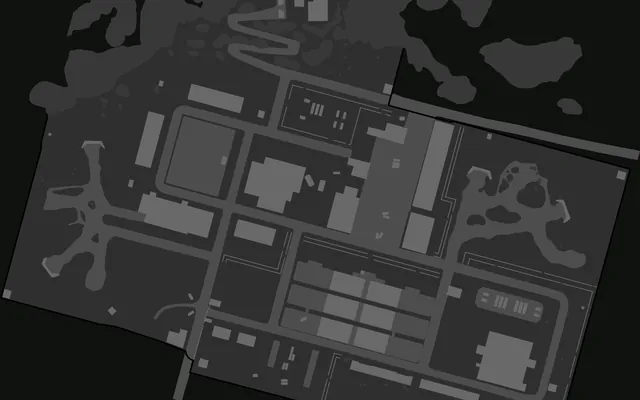 Reserve40 min, 9–11 players
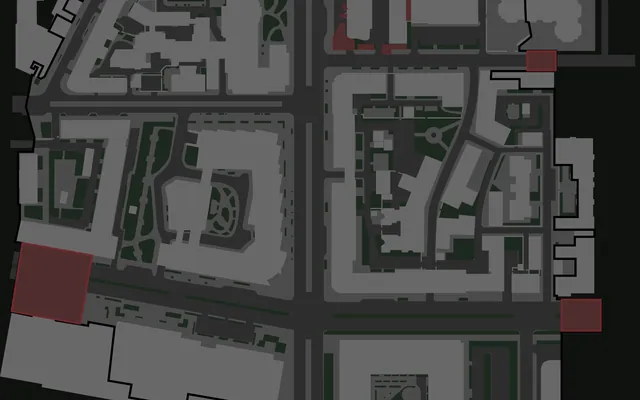 Streets of Tarkov50 min, 12–16 players
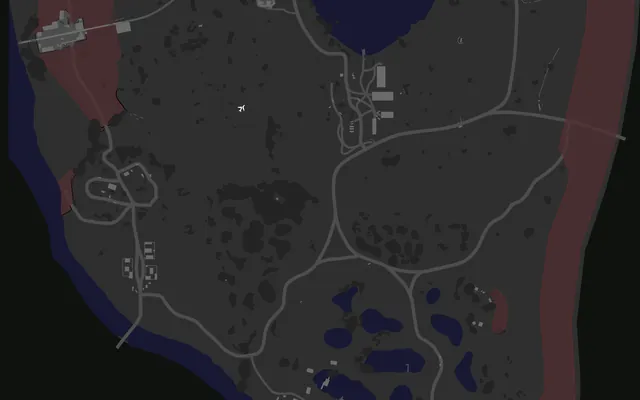 Woods40 min, 10–14 players
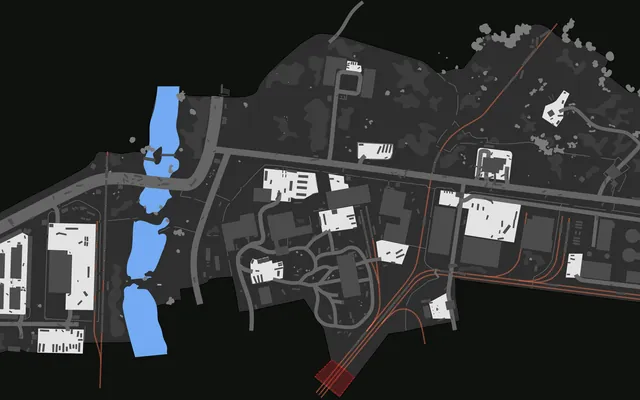 Customs40 min, 10–12 players
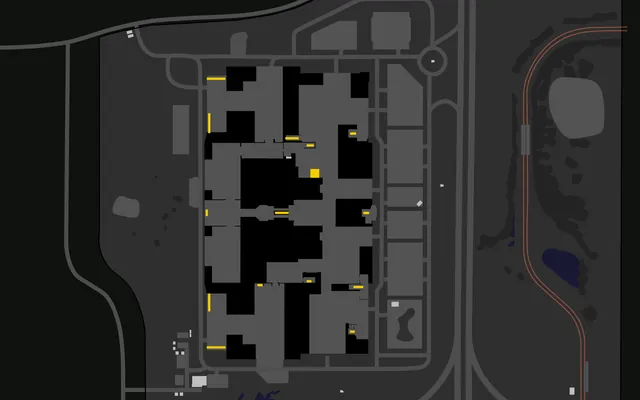 Interchange40 min, 10–14 players
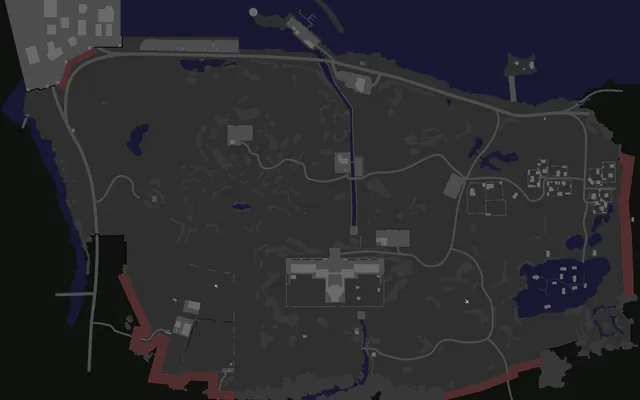 Shoreline45 min, 10–14 players
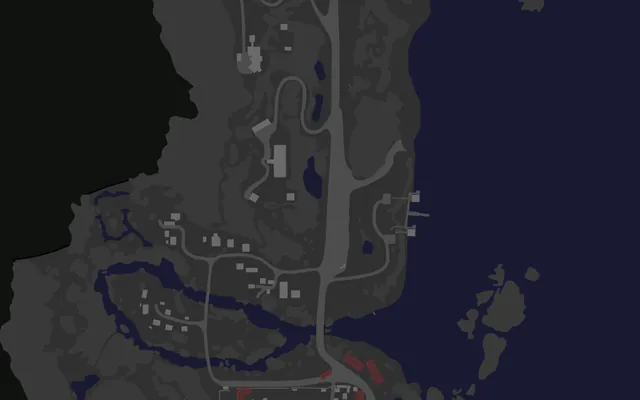 Lighthouse40 min, 10–12 players
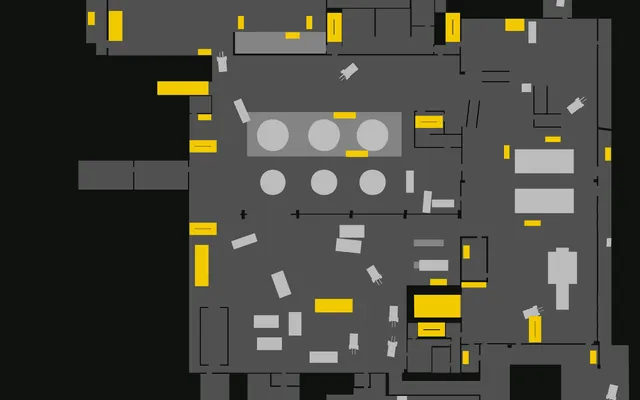 Factory20 min, 7–8 players
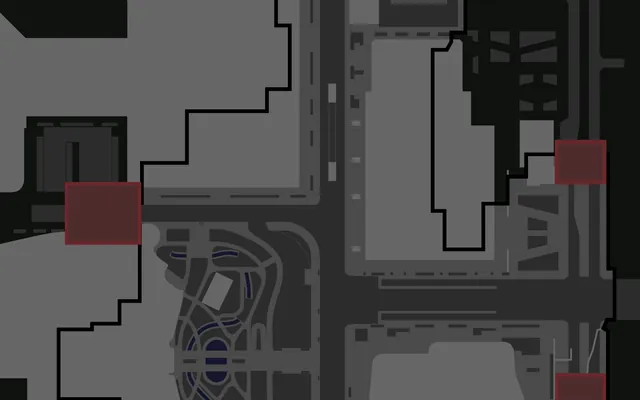 Ground Zero35 min, 9–10 players
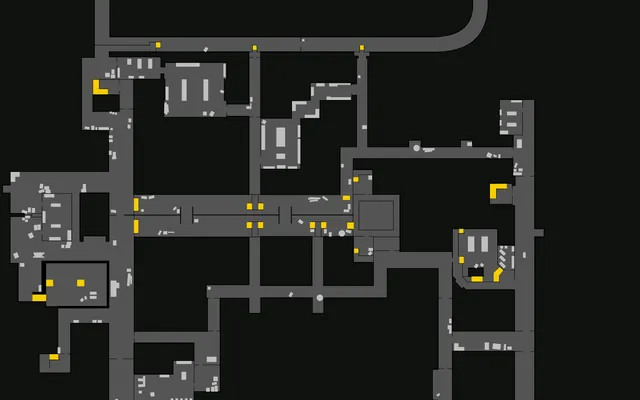 The Lab35 min, 8–10 players
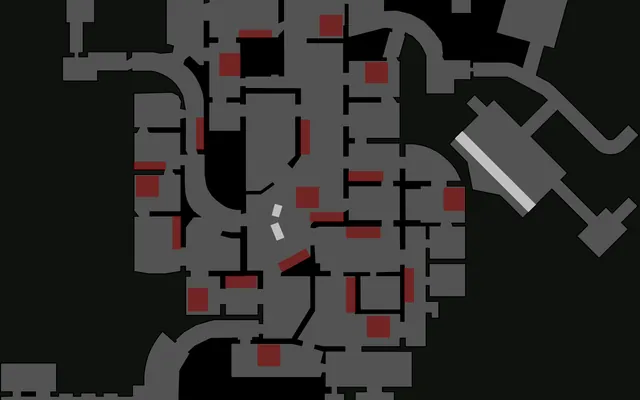 The Labyrinthextracts based on radar data
Maps: Shebuka for tarkov.dev, license CC BY-NC-SA 4.0; The Lab and The Labyrinth — tarkov.dev.
Frequently asked questions
All questionsWhat is a web radar for Tarkov?
A raid map in your browser that shows players, bosses, loot with prices, extracts with status and your quest objectives in real time. The radar draws nothing in the game window.
Do I need a second computer?
No. The radar client runs on the same PC as the game, and you open the map via a link in a browser on any device: phone, tablet, laptop or in a second window.
How do I launch the radar?
Run the Soft Hub loader from a USB drive and launch the radar in it. The loader will show a link to the map; open it in any browser: on a phone, tablet, laptop or second monitor.
Is the radar visible on a stream or recording?
The radar draws nothing in the game window, so recording and screen sharing in Discord look like a normal game.
Can I open the map for friends?
Yes, send them the link from the loader. A friend in the same raid turns on “View as” on their own marker, and distances and the aim alert are calculated from them.