EFTRADAR
How to launch the radar
You will need the key from the email and a USB drive. No USB drive? A virtual disk in OSFMount will work.
- 01
Get your key
After payment on oplata.info, the key arrives by email along with instructions.
- 02
Prepare Windows
Pause your antivirus and Windows protection while launching: the loader loads a driver, and the protection may remove it.
- 03
Copy the loader to a USB drive
Put the loader file on the USB drive, not inside a folder. A data.bin file will appear next to it, that is expected. No USB drive? A virtual disk in OSFMount will work.
- 04
Run as administrator
Initialization takes up to a minute. Register: a login in Latin letters, an email and a password of 8–25 characters using Latin letters and digits.
- 05
Activate the key
Click “Activate key” and paste the key from the email. The product will be picked up automatically.
- 06
Launch the radar and open the link
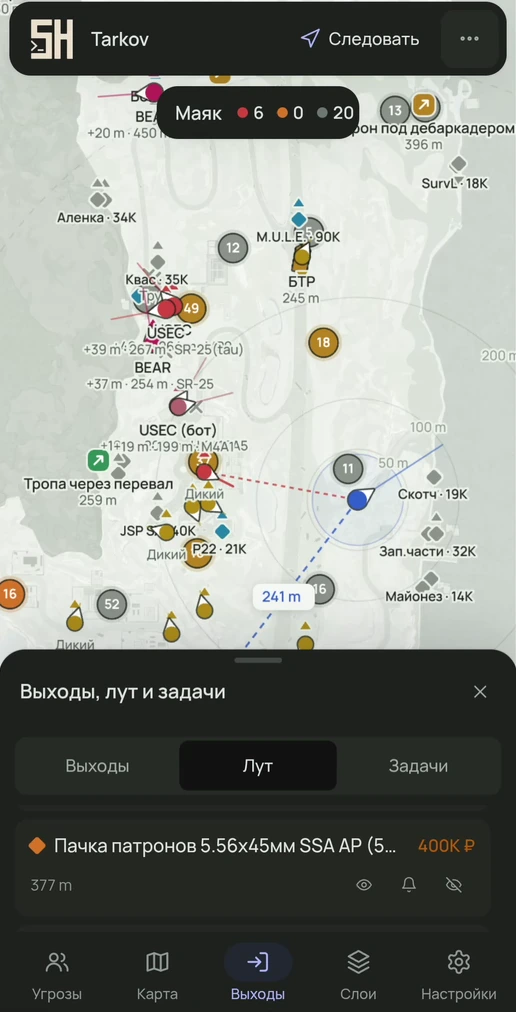
Launch the radar from the loader. The loader will show a link to the map: open it in any browser — on a phone, tablet, laptop or second monitor.